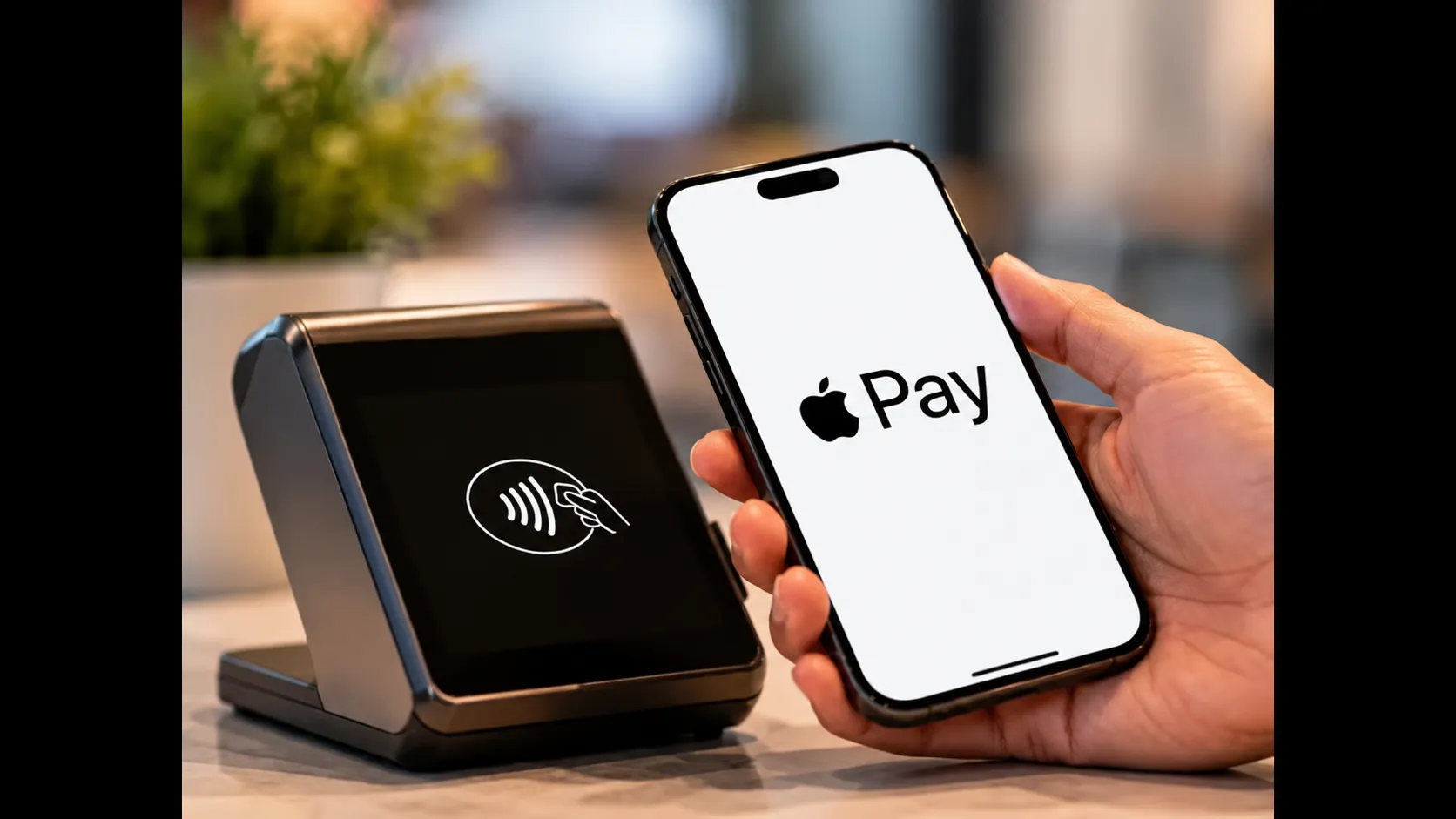
 Apple Pay is now available in India. After years of anticipation, users can add eligible cards to their Apple devices and make payments in stores, in apps and on the web without repeatedly entering card details or relying on OTPs and PINs at checkout. At launch, the service works with Axis Bank-issued Visa and Mastercard credit cards on iPhone, iPad and Apple Watch, with support for Mac expected later.
What Apple Pay Brings to India
Apple Pay is a digital wallet and contactless payment system that stores card information securely on the device and uses tokenisation for transactions. When a payment is made, the merchant does not receive the actual card number. Authentication happens through Face ID, Touch ID or the device passcode, after which the phone or watch is held near a contactless reader or the payment is confirmed in an app or browser.
For Indian users already accustomed to UPI and card-based digital payments, Apple Pay offers a different convenience layer: the ability to pay with a device already in hand, without opening a separate app or waiting for an OTP during the transaction itself. Jennifer Bailey, Apple’s vice president of Apple Pay and Apple Wallet, has described the experience as making everyday card payments easy, secure and private.
Who Can Use It at Launch
At the time of introduction, only Axis Bank credit cards issued on the Visa or Mastercard networks are supported. Customers with eligible cards can add them to Apple Pay and begin using the service immediately at merchants that accept contactless payments or Apple Pay online. Apple has indicated that support for additional banks is planned. RuPay cards and UPI are not part of the initial rollout.
The service works on recent iPhone, iPad and Apple Watch models that support the necessary secure element and biometric or passcode authentication. Mac support for online payments has been confirmed as forthcoming.
How to Set Up Apple Pay
There are two straightforward ways to add a card.
Through the Wallet app: Open the Wallet app on an iPhone, tap the plus sign, choose the option to add a debit or credit card, and follow the on-screen steps. The system will guide the user through entering or scanning card details and completing verification with Axis Bank.
Through the Axis Bank app: Users can also initiate the process from the latest version of the Axis Bank mobile application, which can push the eligible card directly into Apple Wallet.
Once the card is successfully added and verified, it appears in Wallet and is ready for use. The same card can typically be added across a user’s own Apple devices signed in with the same Apple ID, subject to standard limits and security checks.
How to Pay in Stores
In-store payments follow a simple sequence. On an iPhone, double-click the side button (or the Home button on older models). Authenticate with Face ID, Touch ID or the device passcode when prompted. Hold the top of the iPhone near the contactless payment terminal until the transaction is confirmed. On Apple Watch, double-click the side button and hold the display near the reader.
The process does not require opening a banking app or entering a card PIN or OTP at the point of sale. The merchant terminal must support contactless (NFC) payments. Many modern point-of-sale systems in retail, restaurants and transport already do.
Paying in Apps and on the Web
Apple Pay also works inside participating apps and on websites when the Apple Pay option is offered at checkout. On iPhone or iPad, the user selects Apple Pay, confirms the payment method, shipping and contact details if needed, and authenticates. The system fills in the necessary information without requiring the card number to be typed again.
Support for completing web payments on Mac is expected in a subsequent update. In some third-party browser scenarios, a QR-code flow that involves the iPhone may also be available at participating merchants.
Security and Privacy Features
Apple emphasises that card details are not stored on its servers in a form that can be easily linked to the user for transaction tracking. Payments use device-specific tokens. If an iPhone or Apple Watch is lost or stolen, the owner can use the Find My network to locate the device, lock it or suspend the ability to pay from it.
Biometric or passcode authentication is required before a payment can be completed, adding a layer of protection if the device itself is in someone else’s hands. These features align with the security model Apple has used for Apple Pay in other markets.
Practical Considerations for Users
Because the launch is limited to one bank and two card networks, many iPhone owners will need to wait for broader issuer support before they can use the cards they already carry. Merchants must also have contactless-enabled terminals for in-store use; a pure QR-code UPI setup will not accept an Apple Pay tap.
Users should ensure their devices are updated to a recent software version that includes the necessary Wallet and payment capabilities. It is also advisable to verify card eligibility inside the Axis Bank app or with the bank before attempting setup.
What Comes Next
Apple has signalled that additional banks will be added over time. Expansion of device support to Mac for online checkout will further widen everyday usefulness. As more issuers and more merchants enable the service, Apple Pay is likely to become one more option in India’s already diverse digital payments landscape rather than a replacement for existing methods.
For now, Axis Bank credit-card holders with compatible Apple devices can begin using the service immediately. Setup takes only a few minutes, and the first successful tap or online confirmation will show whether the convenience matches the promise. In a market that has rapidly adopted digital payments, Apple Pay’s arrival adds a familiar global option tailored, at launch, to a specific set of cards and devices.
Read more – cricketscorerise.com